Start Download Responses
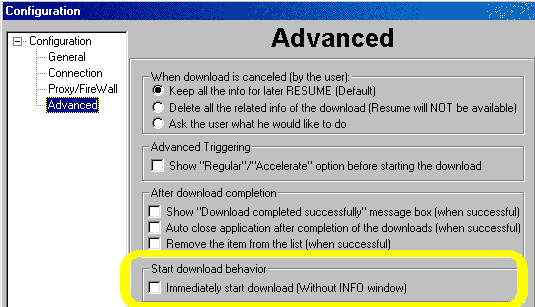
The Accelerator is enabled by default to allow you to choose between an 'Accelerated' or an 'unaccelerated' download and if an Accelerated download is chosen, to display the corresponding Download Info window.
You may modify the configuration to automatically Accelerate all downloads and to begin download without displaying the Download Info dialog. This will not affect the Resume capabilities.
 |
|
Copyright © 1999-2000
SpeedBit. All specifications are subject to change |