DAP Help
DAP Appearance
Download Accelerator Plus (DAP) enables you to change its appearance.
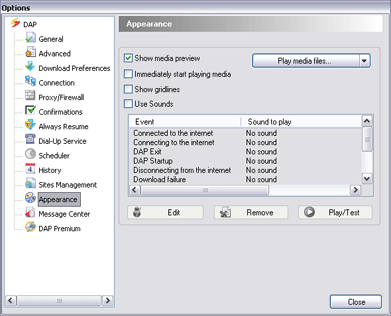
In DAP's main window, click the Tools menu and click Options. DAP's Options window appears. Select Appearance to change DAP's appearance options, including:
- Show or hide gridlines
- Show Media Preview
- Immediately start playing media files
You may also use the View menu to customize DAP's main panel.